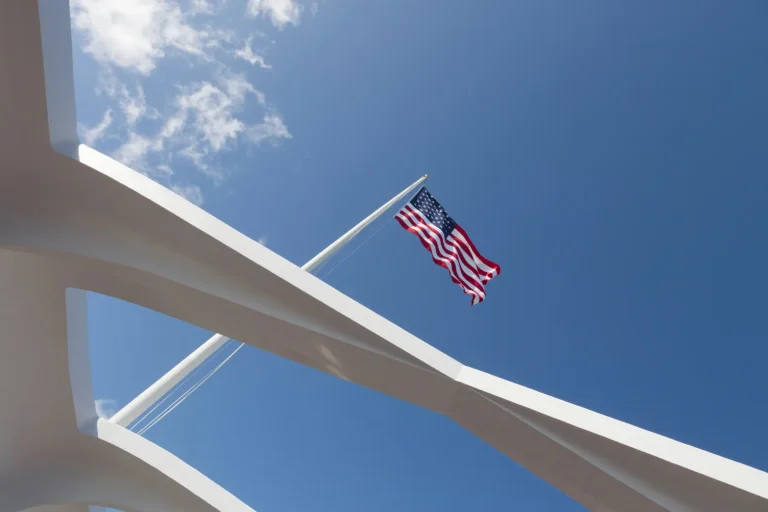
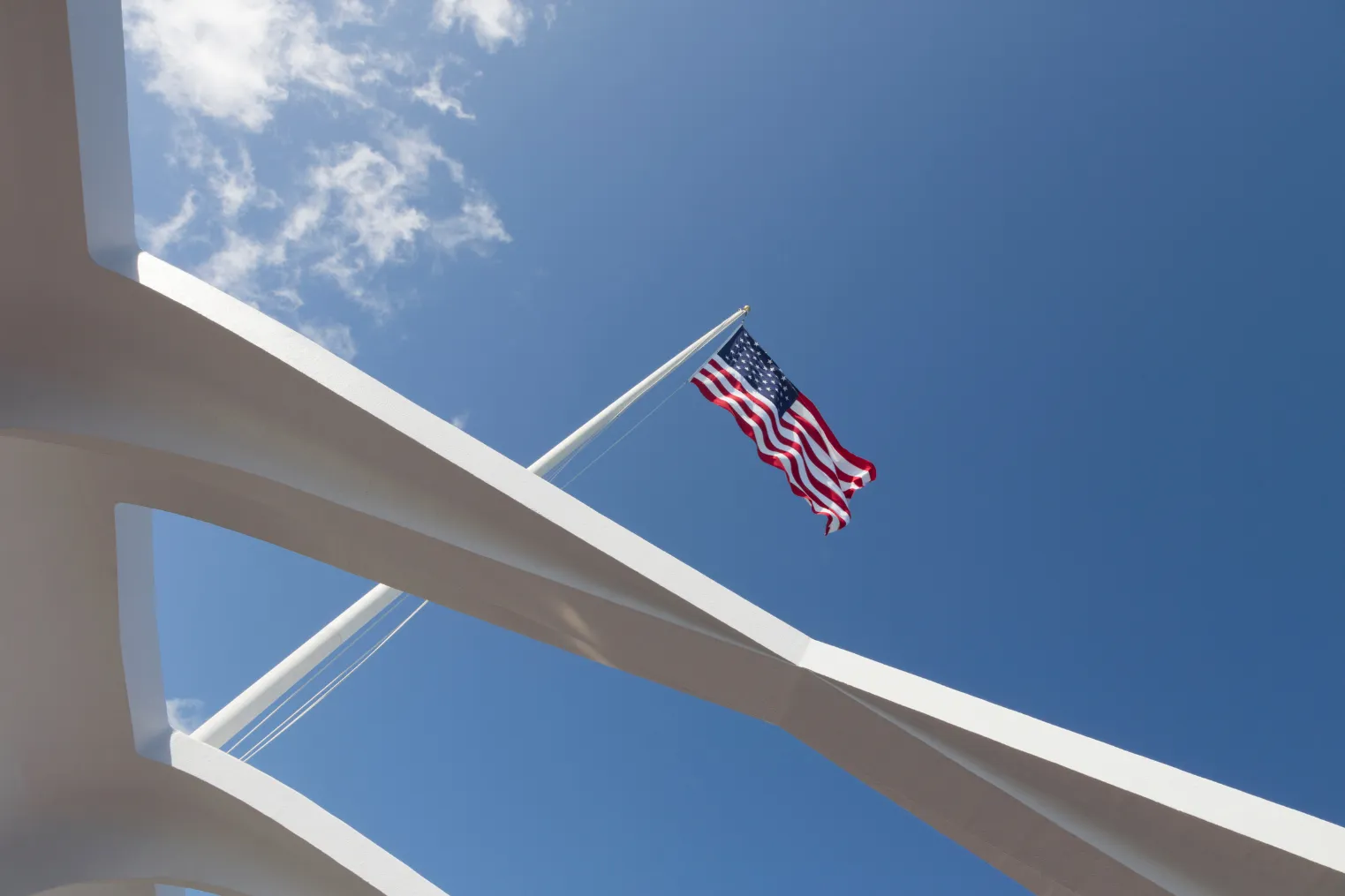
Pearl Harbor’s museum light can fool your phone faster than the bright sun outside, because galleries shift from dim cases to glaring white decks in a few steps. You’ll want to move quietly, kill the flash, and make small setting changes as flags stir, water flashes, and glass throws glare back at you. Get it right, and you can keep the mood of the place without blurry plaques or washed-out ships.
Key Takeaways
- Keep flash off; use HDR in high-contrast galleries, but disable it when visitors or flags move to avoid ghosting.
- Indoors, start around ISO 400–800 and keep shutter speed at least 1/60s to balance detail and blur.
- Tap to expose and lock focus/exposure; begin around +0.7 EV indoors, then adjust to protect highlights on bright displays.
- Reduce glare by changing angle or using oblique views; press the phone to glass only when staff permits.
- Steady the phone with both hands, elbows tucked, and use the volume button or a one-second timer for sharper shots.
Where Is Photography Allowed at Pearl Harbor?
Where can you actually take photos at Pearl Harbor without stepping over the line? You can shoot in the USS Arizona Memorial theatre, on the open-air platform above the wreck, and inside most Pearl Harbor museums. You can also take photos aboard the USS Bowfin. Pearl Harbor photography rules allow pictures in many public areas, but restrictions can vary by exhibit and memorial space. Always check exhibit signs and follow staff directions, since some rooms have tighter rules.
A few limits shape your plan. Tripods, monopods, and stacked phone rigs aren’t allowed anywhere on site. Flash is often banned or discouraged indoors, both to protect artifacts and keep the mood calm. You also can’t bring bags into memorial areas, so expect security screening and use the paid storage if you’re carrying extra gear. One hard stop: don’t photograph on Admiral Clarey Bridge to Ford Island. Drones are off-limits too.
How Do You Take Respectful Photos There?
Knowing the photo rules is only half the job. At this National Park site, respectful photos start with how you move and what you notice. Mute shutter sounds, skip flash, and frame scenes without stylized poses. You’re documenting remembrance, not staging a travel ad.
Keep your setup simple. Bring a phone or small camera, store larger bags offsite or in paid storage, and have your ID ready for security. Cameras are generally allowed at Pearl Harbor, but always follow posted restrictions and staff instructions in each area. As you compose, don’t block pathways or memorial plaques. If you want a name or inscription, stand back and use a modest zoom or crop instead of leaning over barriers. Follow all crew and base limits, including no photos on Admiral Clarey Bridge. When you post later, write captions that honor history. Jokey hashtags can wait elsewhere today.
What Phone Settings Work Best at Pearl Harbor?
Often, the best phone settings at Pearl Harbor are the quiet, practical ones that protect detail without drawing attention to you. Turn flash off. Use HDR to hold detail on white memorial walls and plaques under mixed light around the Park. These small adjustments help when museum lighting shifts between bright outdoor glare and dim interior exhibits.
| Setting | Best use |
|---|---|
| Flash off | Keep scenes natural |
| HDR on | Save bright highlights |
| ISO 100–400 | Reduce grain in dim rooms |
Set ISO low, ideally 100 to 400, and let HDR or a slightly longer exposure lift shadows. Use manual exposure or tap and drag down to about minus 0.3 to minus 1.0 EV for marble and sunlit decks. Turn on grid lines. Shoot RAW if your phone offers it. Then you can straighten lines and recover more detail later. Plus, your future self will quietly cheer.
How Do You Avoid Glare in Pearl Harbor Exhibits?
Cut glare down by changing your angle before you touch any setting. Instead of shooting straight at a display case, shift to an oblique view. You’ll cut reflections from overhead lights and other visitors. If staff allows it, press your lens gently to the glass for cleaner detail. A small black notebook or cloth also works like a tiny hood.
Turn flash off so bright hotspots don’t wash over artifacts. Keep ISO low, stay steady, and let the phone use a slower shutter if you can brace your elbows or lean on a bench. Tap once to lock focus and exposure so the camera doesn’t chase reflections again. During bright midday visits, a clip-on polarizer helps too. Rotate it until glare drops. Save drone footage ideas for outside, not galleries. If you’re carrying extra gear, check the bag storage options first so you can move through exhibit spaces more easily.
Still comparing Pearl Harbor?
Ask for tour ideas, hotel suggestions, or a simple trip plan that combines both.
Trip Helper
When Should You Use HDR at Pearl Harbor?
Once you’ve handled glare, HDR becomes the next smart tool when Pearl Harbor gives you bright whites and deep shadows in the same frame. Use it in indoor galleries and display cases when spotlit artifacts sit against dark walls or when placards fade beside bright windows. It helps you hold detail in both.
Outside, HDR works well from the memorial platform or boat when the white structure and bright sky feel as intense as a clear view toward Diamond Head. Keep your phone steady. Brace your elbows or rest on a railing, and stay at low to moderate ISO for cleaner results. Skip HDR if water, flags, or visitors keep moving because ghosting can creep in. Also avoid it on ultra-wide memorial shots, where skies can turn patchy and odd fast. Since the memorial grounds and museums are wheelchair accessible, you may also find it easier to choose a stable shooting position and hold your frame steady while HDR captures multiple exposures.
How Much Exposure Should You Add Indoors?
Start with a gentle bump of about +0.7 to +1.0 EV indoors, because Pearl Harbor’s exhibits can leave plaques and artifacts sitting in soft shadow while bright display lights and white case edges stay surprisingly intense. That range usually brightens details without wiping out whites. If you’re in a dim memorial room lit by windows, begin at +1.0 EV and check one frame. If marble walls or plaque highlights look clipped, pull back to +0.3 or +0.5 EV.
For small objects behind glass at Pearl Harbor exhibits, keep the boost modest at +0.3 to +0.7 EV. Brace yourself or press your lens gently to the glass for sharper results. HDR around +1 EV can help glossy labels and deep shadows. If your phone gets noisy past ISO 800, don’t chase +2 EV. Grain isn’t historic charm. The visitor center also includes braille signage and tactile models throughout the site, which can help you identify exhibit areas before composing a shot.
How High Should Your ISO Go at Pearl Harbor?
After you’ve nudged exposure into place, ISO becomes the next lever to watch at Pearl Harbor. Keep it low whenever you can. At the USS Arizona Memorial, start around ISO 100 to 200 for bright decks, white walls, and sharp Pacific glare. Those highlights blow fast, so protect the whites first.
Inside galleries, under overhangs, or near dim display cases, move into ISO 400 to 800. That range usually balances cleaner detail with usable shutter speed for handheld shots. If you’re navigating exhibits from a wheelchair, accessible areas can still shift quickly between bright outdoor light and dim indoor displays, so be ready to adjust ISO as you move. Use tap-to-expose or exposure compensation and let your phone stay at the lowest ISO that still holds at least 1/60 second. If people are walking through your frame, aim for 1/125. For tiny artifacts behind glass, try not to push past ISO 1600 unless you don’t mind grain.
How Do You Steady Your Phone in Museums?
You’ll get sharper museum shots when you brace the phone with both hands and tuck your elbows into your ribs like a quiet human tripod. If there’s a ledge, a bag, or even display glass that staff allows you to touch, use it as support so your phone stays still and reflections fade. Plant your feet, ease out a breath, and tap the shutter gently so the gallery stays hushed and your photo stays crisp. Before a longer stop, note nearby restrooms and water at Pearl Harbor so you can settle in comfortably and take steadier photos.
Two-Handed Bracing
Brace first, shoot second. In dim galleries at Pearl Harbor, you’ll get cleaner photos when you hold your phone with both hands and tuck your elbows into your ribs. Let your thumbs steady the screen while your top fingers cradle the edges. Keep the phone close to your body, then exhale and pause your breath as you press the shutter. If etiquette allows, touch the back of the phone lightly to your cheek or forehead for a simple three-point brace.
Use the volume button as your shutter so you don’t jab the screen and jiggle the frame. For close artifact details, rest your forearms on your knee and tap gently with two fingers. Remember that memorial etiquette at the USS Arizona Memorial calls for respectful, quiet behavior, so keep your movements subtle while composing shots. It’s a small habit that pays off, whether you’re here after a Circle Island Tour or ducking into one quiet room.
Use Nearby Support
When the light is low and the room is hushed, look for support that turns the museum itself into a steadying tool. If staff allows it, press your phone gently to display glass. That contact point cuts shake and reflections, so you can capture dim artifacts more clearly. You can also lean your forearms on a case or wall for extra calm.
A folded guidebook works as a quick rest on a ledge, and a black cloth can block glare at tricky angles. Use a tiny tabletop grip or L-bracket, if permitted, to anchor your phone to a railing. Keep in mind that clear plastic bags are permitted at Pearl Harbor when contents are readily visible, and all permitted bags may be inspected. Then exhale, pause, and let the shutter fire on a one-second timer. It feels almost as satisfying as finding perfect light on North Shore beaches, minus the sand in your shoes today.
Stabilize Your Stance
Plant your feet shoulder-width apart and slide one foot a little forward, like you’re settling in for a quiet, careful look. That small shift gives you a stable base when gallery light gets dim. Tuck your elbows into your ribs, then exhale before you tap the shutter. You’ll cut the tiny shakes that soften details on metal plaques and weathered artifacts.
If staff allows it, press your phone lightly against display glass or a nearby wall for one firm contact point. For labels or small objects, crouch and brace one forearm on your thigh. Rest the phone on your hands and let your body do the stabilizing. A wrist or neck strap looped around your hand adds tension like a tiny Jurassic Park vine. Try burst mode or a short timer too. Since Pearl Harbor has what to bring guidelines, keeping your phone setup simple also helps you move through museum security and exhibits more smoothly.
What Labels and Exhibit Details Should You Photograph?
Start with the labels before you zoom in on the object itself. Photograph the full placard with the title, date, and accession number from a slight angle, then crop later. That simple move cuts glare and preserves provenance. Snap smaller tags too, especially inscriptions, maker marks, and material notes. If rules allow, add a coin for scale. Even a Macadamia Nut tin label can reveal a story.
Next, capture caption panels at medium distance so you keep both the text and nearby artifacts in view. Photograph conservation notices and case numbers for later reference. Then take one quick shot of the whole display case, including the gallery name and nearby exhibits. If you visit the USS Bowfin Museum, photograph any orientation signs or ticket information near the entrance to help organize your museum notes later. You’ll remember where everything sat, which helps when you sort photos, cite an object, or tell the story clearly later.
Frequently Asked Questions
Can You Use Tripods or Selfie Sticks at Pearl Harbor?
No, you can’t use tripods or selfie sticks at Pearl Harbor. The Tripod policy prohibits them at the USS Arizona Memorial and most sites, so you should shoot handheld, use straps or small stabilizers, and store restricted gear.
Are There Quiet Camera Sounds or Shutter Settings Recommended?
Right off the bat, you should enable Silent Shutter if your phone supports it, mute vibrations, and disable burst or Live modes. You’ll keep captures discreet, hold steady, and avoid drawing attention in quiet spaces.
How Should You Handle Low Battery During Long Visits?
Handle low battery by carrying a charged power bank, short cable, and adapter, then making Battery swaps before stops. You’ll stretch runtime by dimming brightness, disabling extras, and using airplane mode while still shooting.
What Storage Options Help if You Shoot Many Exhibit Photos?
You should use the visitor center’s ~$5 paid storage; for example, if you’re shooting Arizona and Missouri exhibits, stash bulky gear there, keep essentials in a slim pouch, and rely on Cloud Backup so you won’t lose photos.
Are There Weather Considerations for Outdoor Memorial Photography?
Yes, watch Weather Effects closely: you’ll get calmer water and softer light early, clearer wreck visibility midday, gentler contrast on overcast days, and dramatic sunset reflections. Check wind alerts too; strong gusts can cancel boats.
Conclusion
At Pearl Harbor, your phone works best when you slow down. Kill the flash, tame the ISO, and nudge exposure so white decks stay white and dim galleries keep their mood. Use HDR only when the scene holds still, which is funny in a place filled with moving visitors and water. Brace your elbows, watch for glare, and grab labels too. You’ll leave with cleaner photos, quieter clicks, and details you actually remember later.